
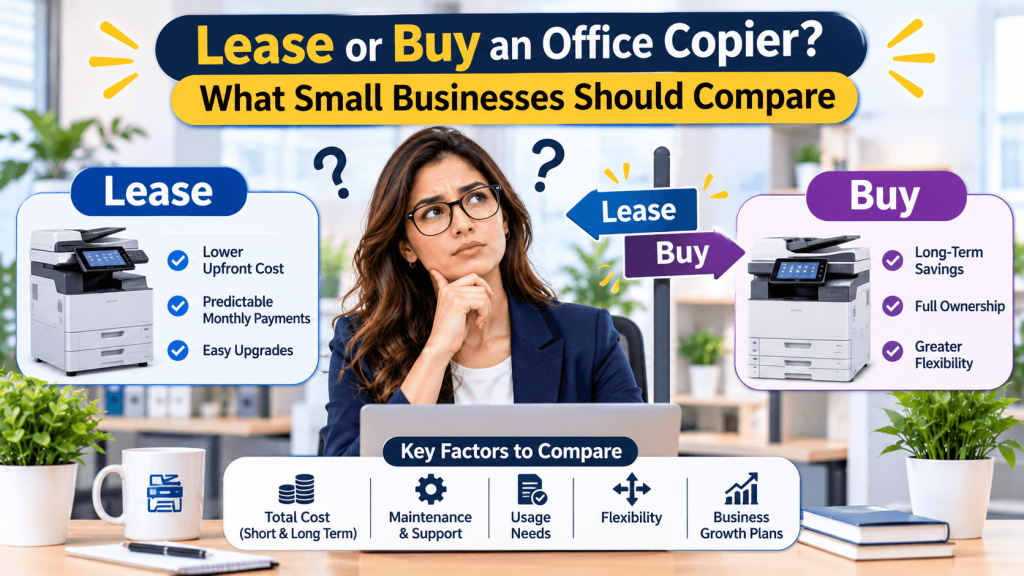
Leasing a copier usually makes sense for offices that print heavily and want predictable monthly costs with service included. Buying often makes sense for low-volume offices that plan to keep the machine for years and can handle repairs and supplies separately.
The sticker price is only part of the story. Service contracts, per-page charges, and lease terms often decide which option costs less.
How the Costs Differ
- Upfront: buying requires paying the full price; leasing spreads costs over the term.
- Service: leases often bundle maintenance and toner; purchases may require a separate service agreement.
- Per-page charges: many agreements bill a fee per black-and-white or color page above a set allowance.
- Upgrades: leases make it easier to upgrade at the end of the term; owned machines may lose value quickly.
- Taxes: leases and purchases can be treated differently for taxes, so ask your accountant.
Lease Terms to Read Carefully
Look for the lease length, automatic renewal clauses, early termination fees, and what happens at the end, such as returning, buying out, or upgrading the machine. Ask who pays return shipping and how the machine’s hard drive will be wiped, since copiers often store images of scanned and printed documents.
Check whether the service agreement promises response times and covers parts, labor, and toner. A low monthly lease paired with expensive overage charges can cost more than expected.
Features Worth Paying For
Many offices pay for features they rarely use. Focus on what your team needs daily, such as scanning to email or shared folders, double-sided printing, secure print release, and mobile printing. Color printing costs more per page, so consider whether color is needed for most documents.
Ask whether the provider offers usage reports. Monthly reports show who prints the most and help adjust settings or plans to reduce waste.
Teams that review print habits each year often find easy savings.
Choosing an Office Equipment Provider
Estimate your monthly print and scan volume using current invoices or printer counters before requesting quotes. Ask each provider to quote the same volume, features, and term so you can compare fairly. Request references from offices of similar size.
Requesting matching quotes is easier when you start with FindingU’s office equipment and business listings. Comparing a few local providers there makes it easier to find clear terms and responsive service.
Compare the Full Cost, Not the Monthly Payment
Leasing suits high-volume offices that want bundled service, while buying suits low-volume offices that keep equipment longer. Compare per-page charges, service coverage, renewal clauses, and hard drive data handling, and use FindingU to request matching quotes from local providers.
Frequently asked questions
It depends on print volume, service needs, and how long you keep the machine. Low-volume offices often save by buying, while high-volume offices may benefit from leases that bundle service and supplies. Compare total costs over the same period. Ask for quotes based on the same volume.
Options often include returning the machine, buying it, renewing, or upgrading to a newer model. Read the lease for notice requirements, since some automatically renew if you do not respond in time. Ask about return shipping and data wiping. Mark the renewal notice date on your calendar.
Many multifunction copiers have hard drives or memory that can store images of scanned, copied, or printed documents. Before returning or disposing of a machine, ask the provider to wipe or remove the drive and confirm it in writing. Get the data wipe confirmed in writing.
Overage charges apply when you print more pages than your agreement includes. They are usually billed per page, with color pages costing more. Estimate your monthly volume carefully and compare overage rates when reviewing quotes. Review your volume each year.